A photo dump with a rhythm
Mix a wide scene, a close-up and a small detail. Reuse a color or a line of type to connect different moments without making every slide identical.
Glassy guides
Design across one continuous canvas, then export separate slides. Make a photo dump, a scrapbook collage or a panorama that connects as someone swipes.
Make it with GlassyA café scrapbook exported from Glassy. Follow the photos and paper details across each edge.
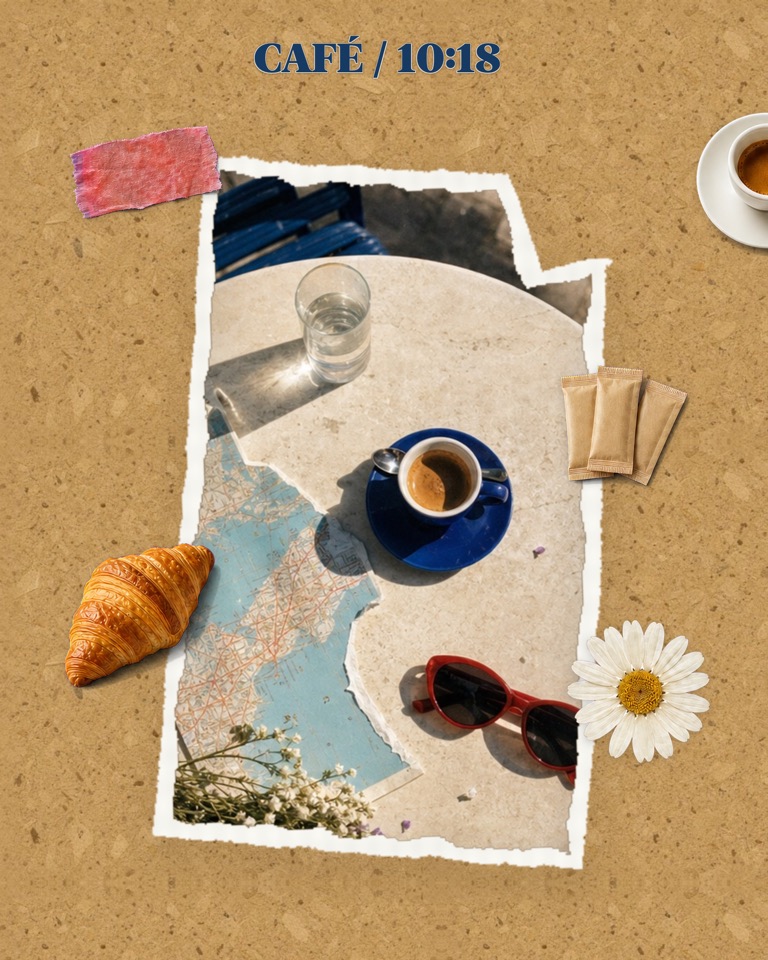 Slide 1
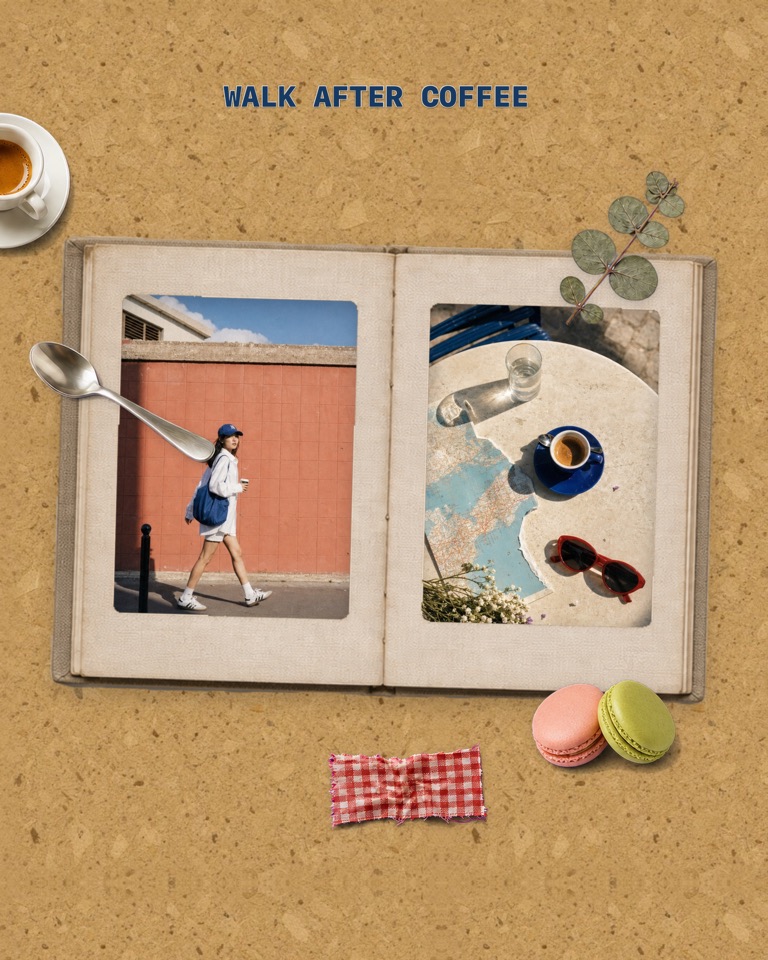 Slide 2
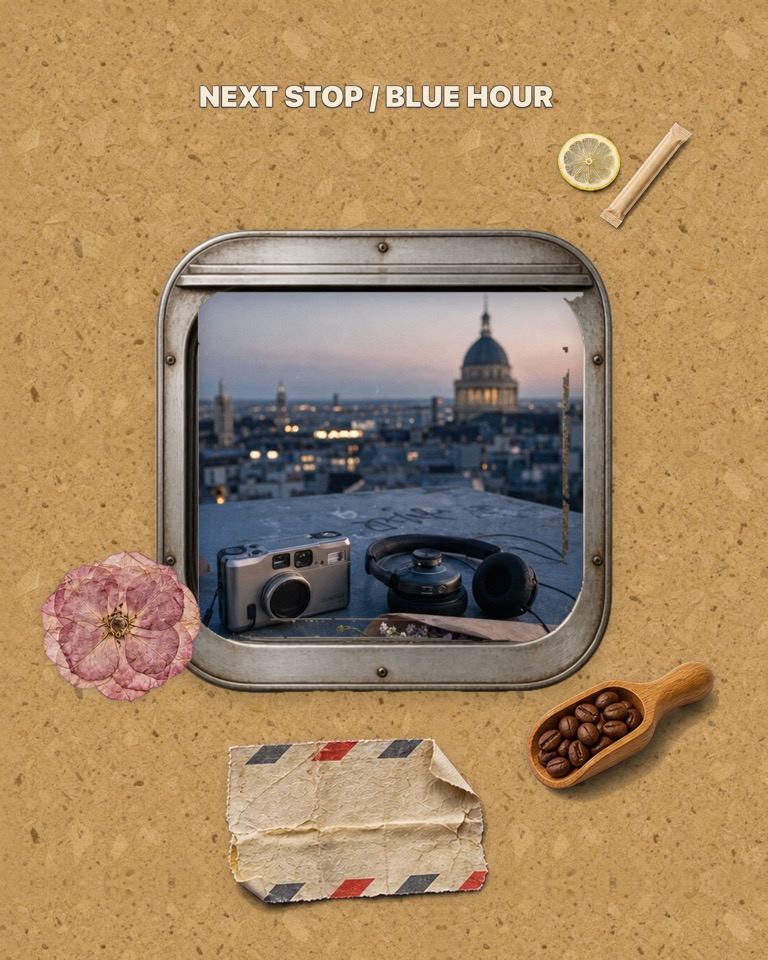 Slide 3
On a small screen, swipe through the slides. With a keyboard, focus the preview and use the arrow keys.
Open Glassy on iPhone. Choose a multi-slide template and fill it with your photos in one go, or start a blank project, add slides and choose one aspect ratio for the set.
Add a photo and move or resize it across a slide boundary. For a panorama, extend the same image across several slides; check the crop rather than stretching the image out of proportion.
Add photos, type and frames on the shared canvas. Let a few details cross the seams, but keep important words and faces comfortably inside a slide.
Preview each slide, then choose the image export for the carousel. In Instagram, select the exported images in the same order and keep their crop consistent so the edges still meet.
Mix a wide scene, a close-up and a small detail. Reuse a color or a line of type to connect different moments without making every slide identical.
Let a paper edge, frame or sticker continue onto the next slide. Use the overlap to connect the pictures, and leave enough space to read each one.
Use a wide source photo with enough detail for the full canvas. Check both the first and last crop, and avoid placing the main subject directly on a seam.
Yes. In Glassy, position one image across multiple slides on the continuous canvas, then export the slides as images. It is a composition workflow: you control the placement and crop.
No. This guide is for images within one swipeable carousel post. It does not arrange several separate posts across your profile grid.
Changing the crop of individual images or uploading them out of order can break the connection. Use the same aspect ratio and preserve the exported order.
Glassy is an iPhone app, not a browser editor. Free materials are available; Plus materials and some export options require a subscription, as shown in the app. The café example includes Plus materials.