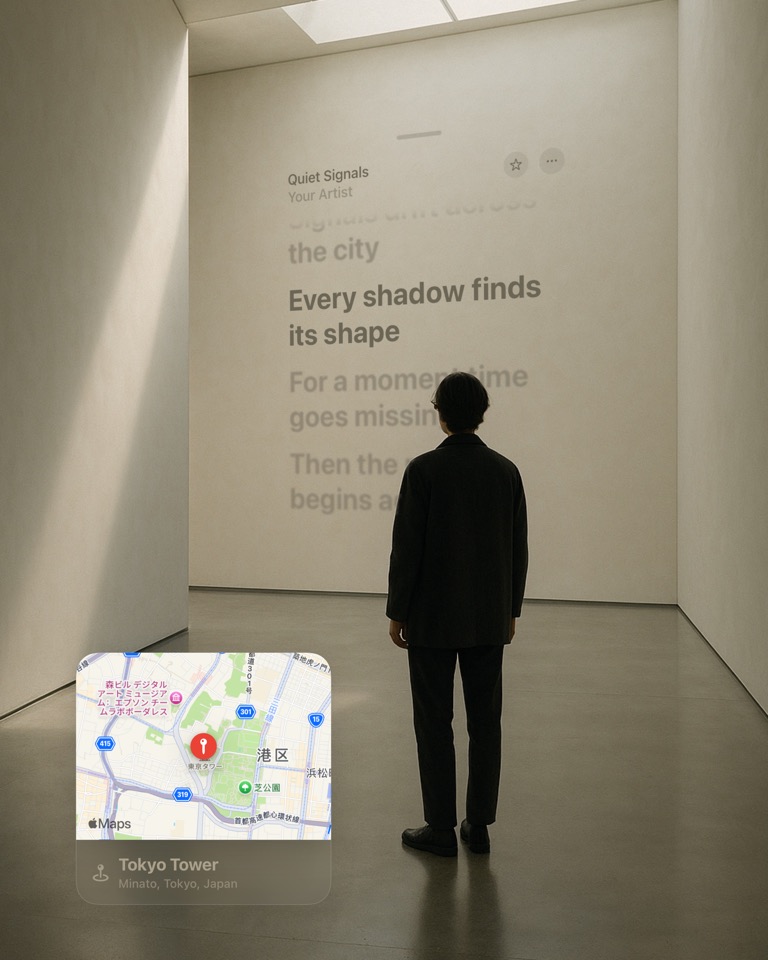
Music
Turn the song into part of the photo.
Use music cards and lyric moments as polished Liquid Glass elements instead of adding plain text over the image.
Liquid Glass Stickers
Let the colors and light in your photo shine through your layers. Add lyrics, a forecast or a workout, then make it part of the scene.
Real sticker components
Music · Fitness · Places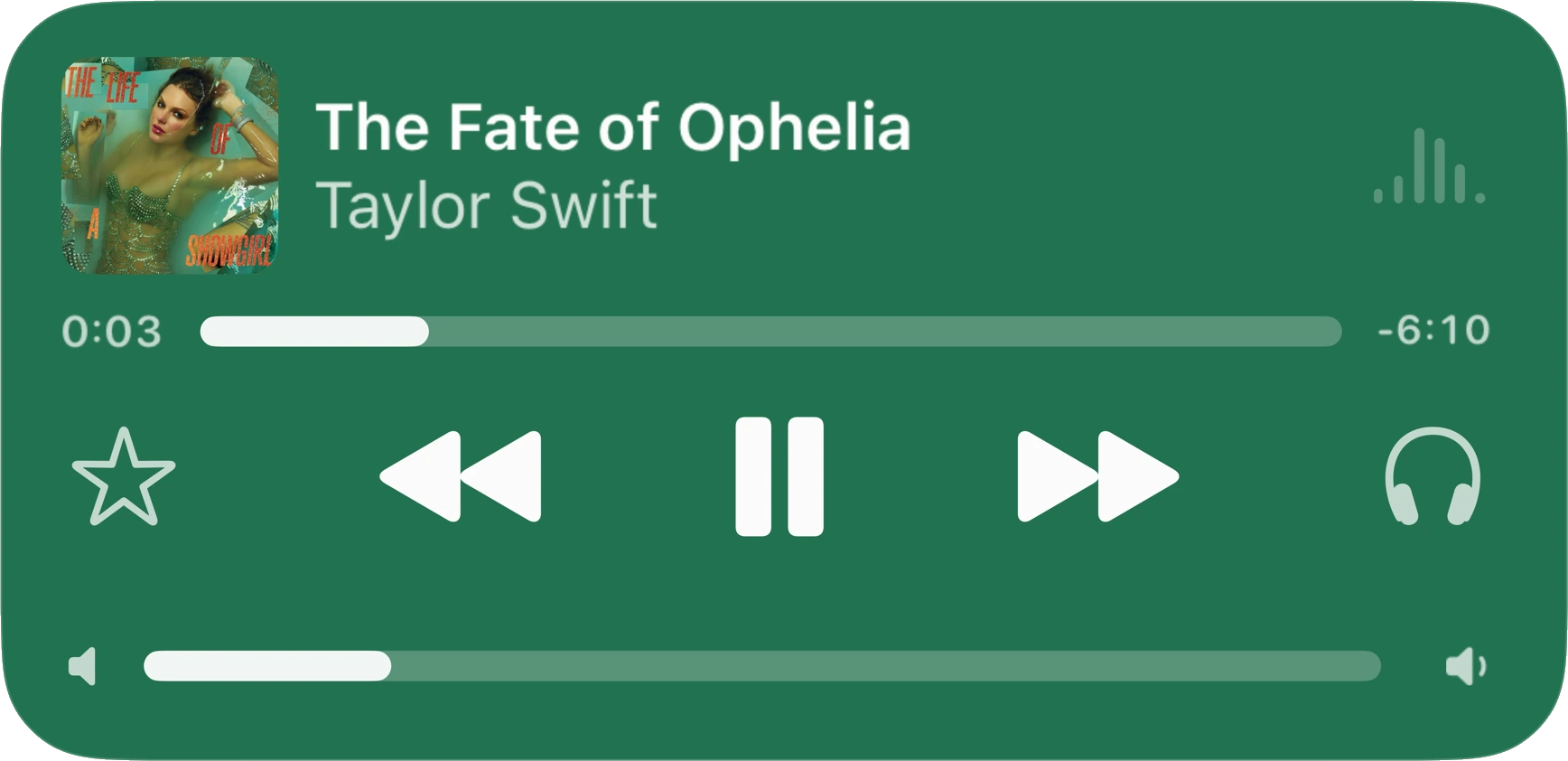
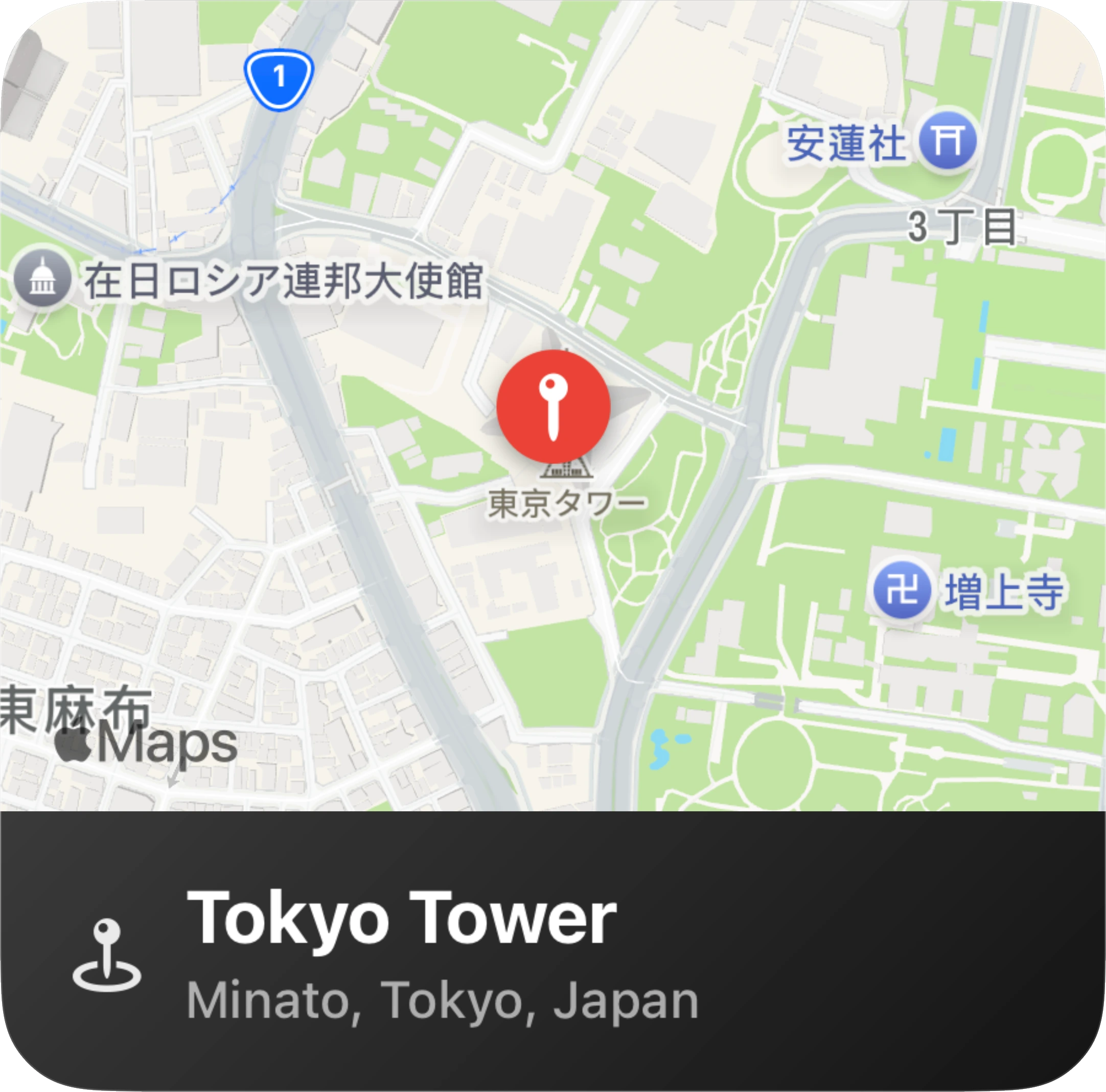
Build around the real context of the photo: what was playing, where you were, how far you moved, and what made it worth saving.
Use music cards and lyric moments as polished Liquid Glass elements instead of adding plain text over the image.
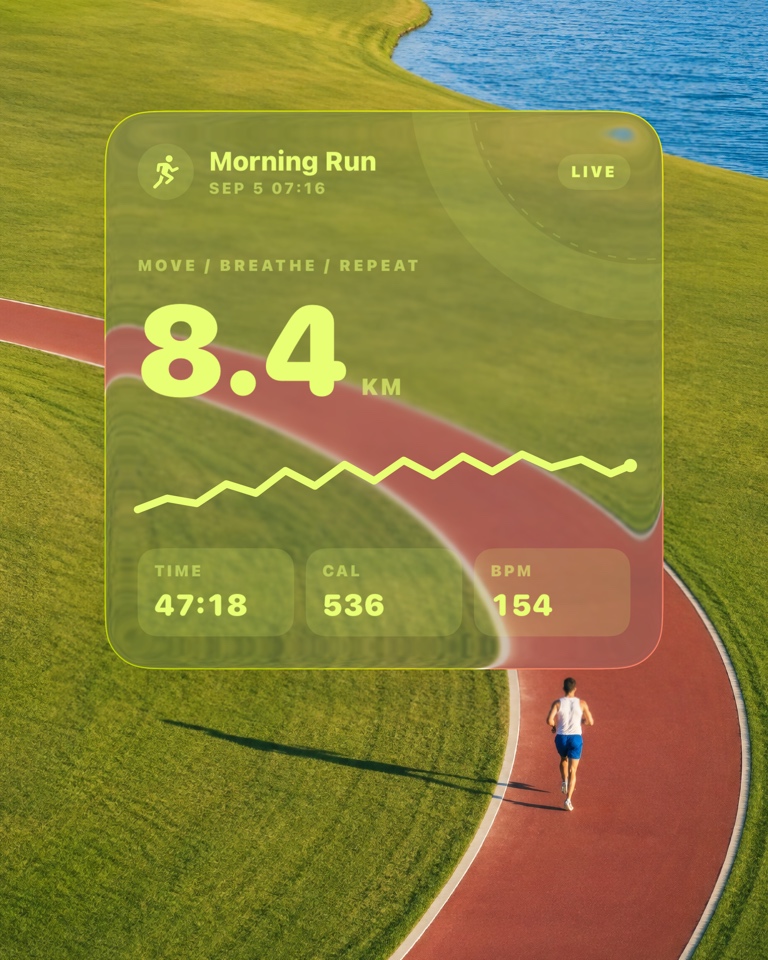
Frame runs, rings, routes, streaks, and personal records with stats that sit naturally inside the poster.
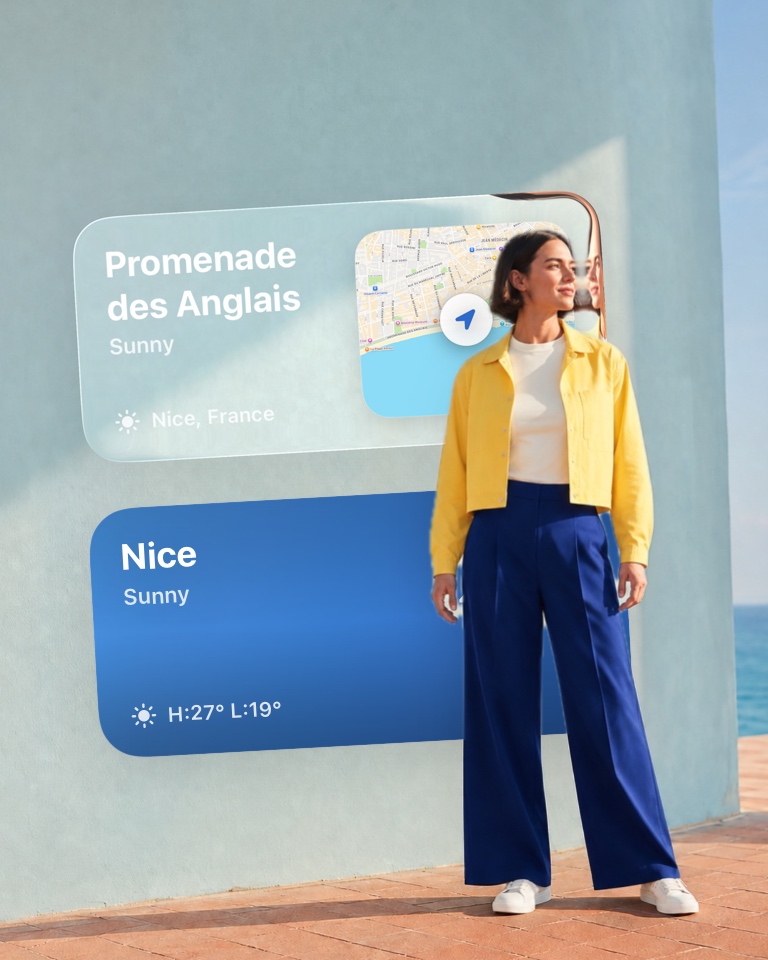
Add weather, places, dates, and small details so the photo remembers where the moment happened.
A short workflow for making photos feel more finished without turning them into generic templates.
Start with a photo that already has context: a run, a song, a trip, a coffee, a personal record, or a daily scene.
Choose music, workout, route, weather, place, or activity stickers and place them where they support the image.
Use clean Liquid Glass styling to create an image that feels ready for Stories, profiles, and personal archives.
Liquid Glass stickers are glossy, translucent sticker layers that add depth, light, and readable data to photos.
Yes. Glassy lets you create Liquid Glass-style stickers and place them directly on photos from your iPhone.
Place the layer over an area with changing light, color or detail. A completely flat background gives the glass less to refract. Adjust its position and appearance while checking the text stays readable.
The glass is part of your composition and appears in the exported result. Preview the project before saving. Premium materials and some export options require Plus, as indicated in the app.