Templates
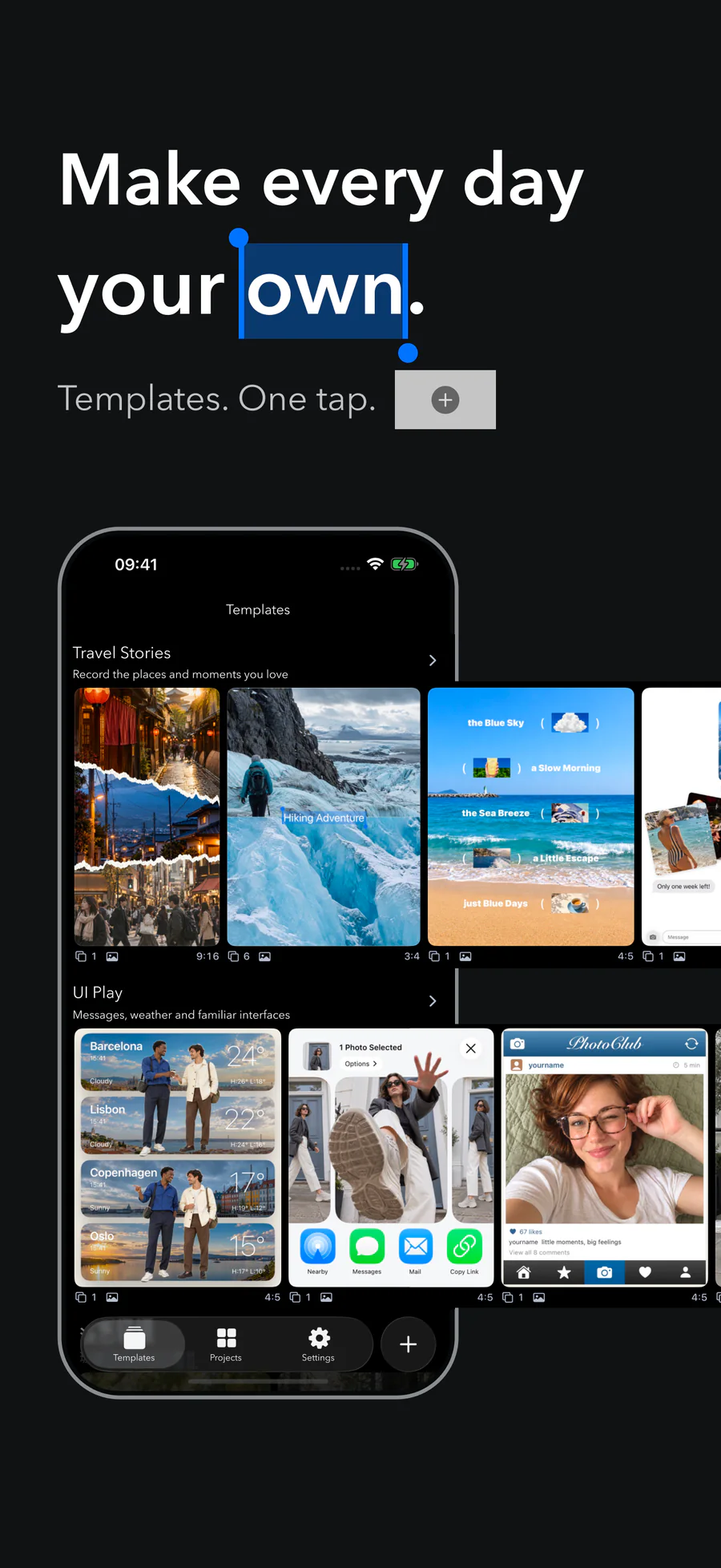
Browse themed collections, pick a template, then fill it with your photos in one go.
Make seamless Instagram carousels on iPhone. Build across slides with photos, lyrics, and Liquid Glass, then share a swipe-ready photo collage or a smooth scrolling video.
 Scan with iPhoneDownload on the App Store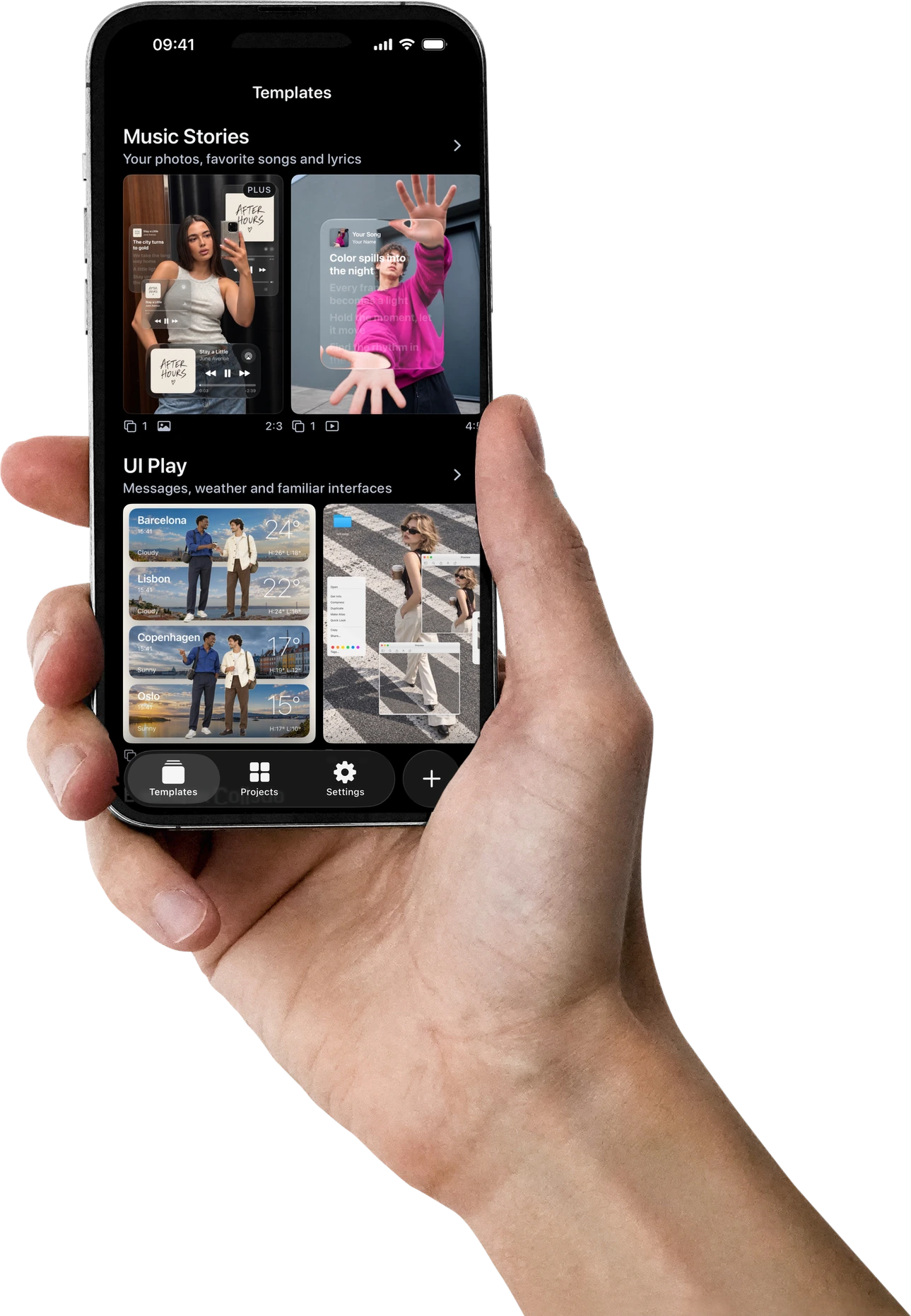
Make a photo dump, a scrapbook collage, or a panorama. Start from a template or a blank canvas and keep every slide connected with images, expressive type, and Liquid Glass.
Control every layer on one continuous canvas—from image crop and typography to backgrounds, grids, and motion.
Browse themed collections, pick a template, then fill it with your photos in one go.
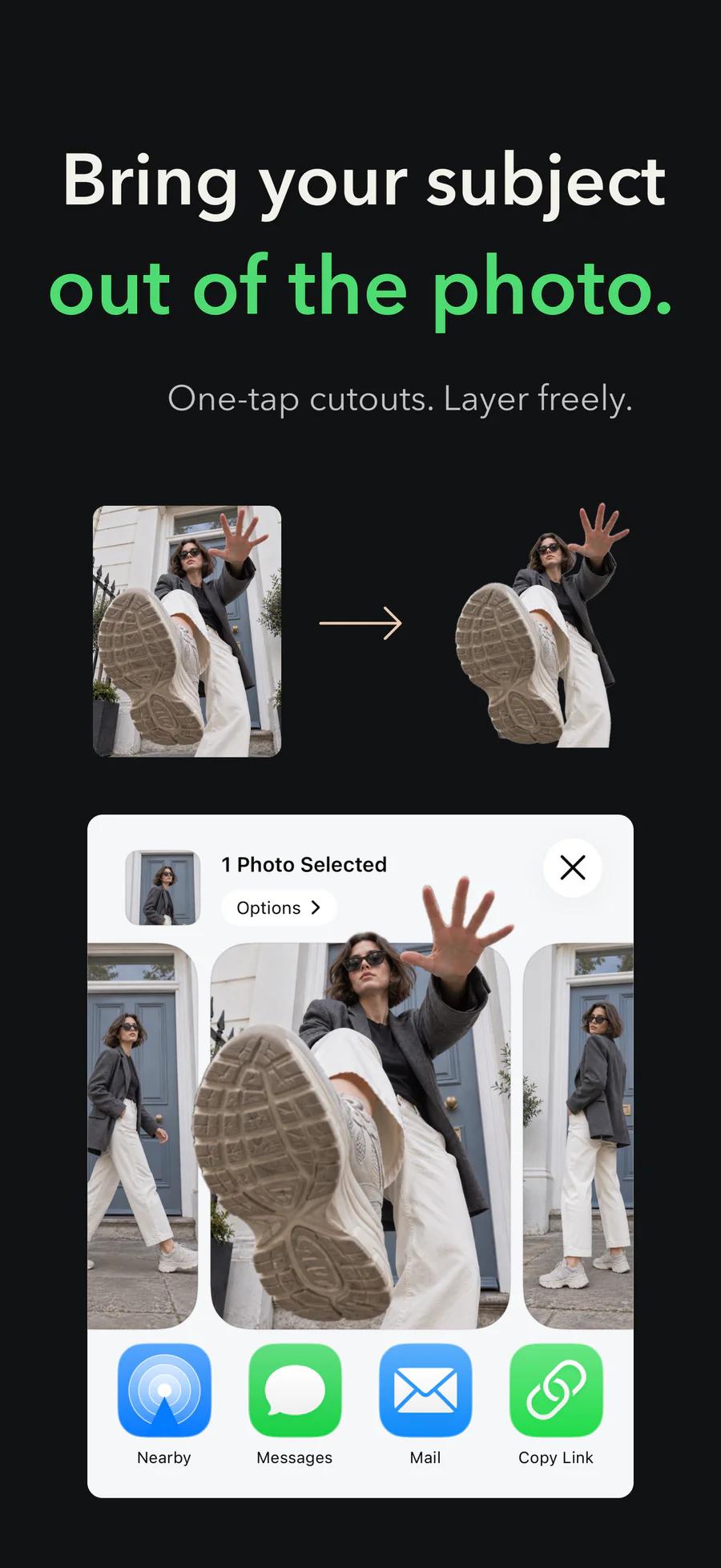
Add photos and Live Photos, then crop, cut out, and position them freely.
Choose expressive type styles, then tune size, alignment, outline, shadow, and color.
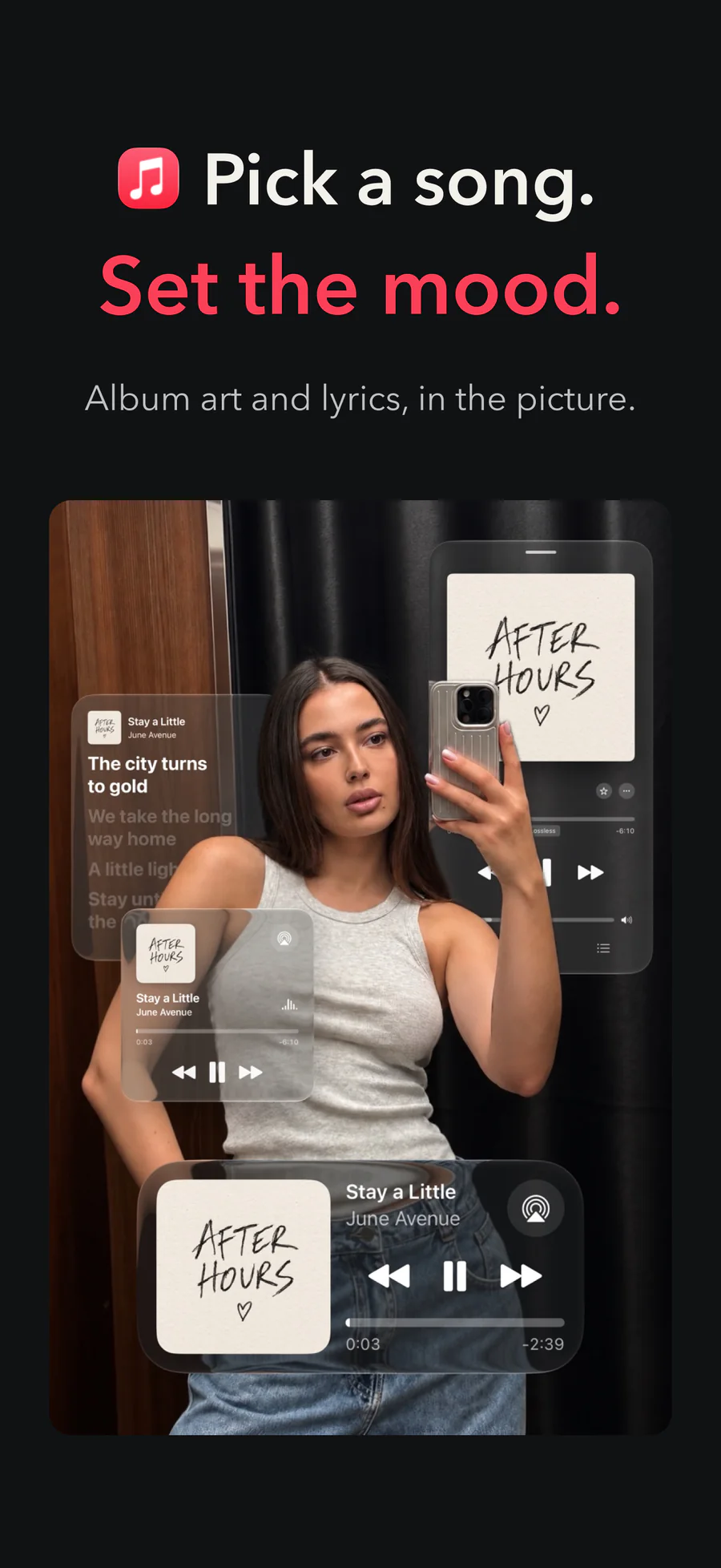
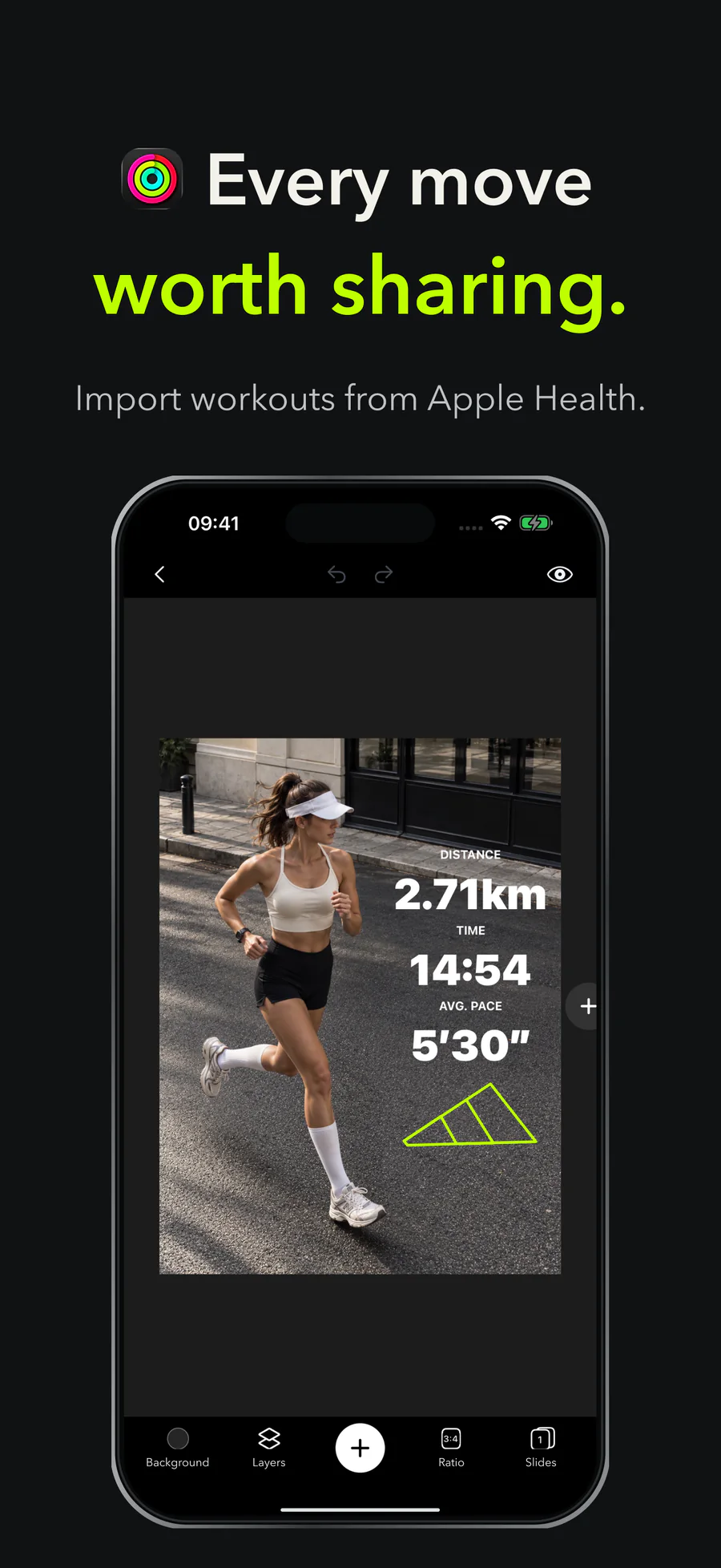
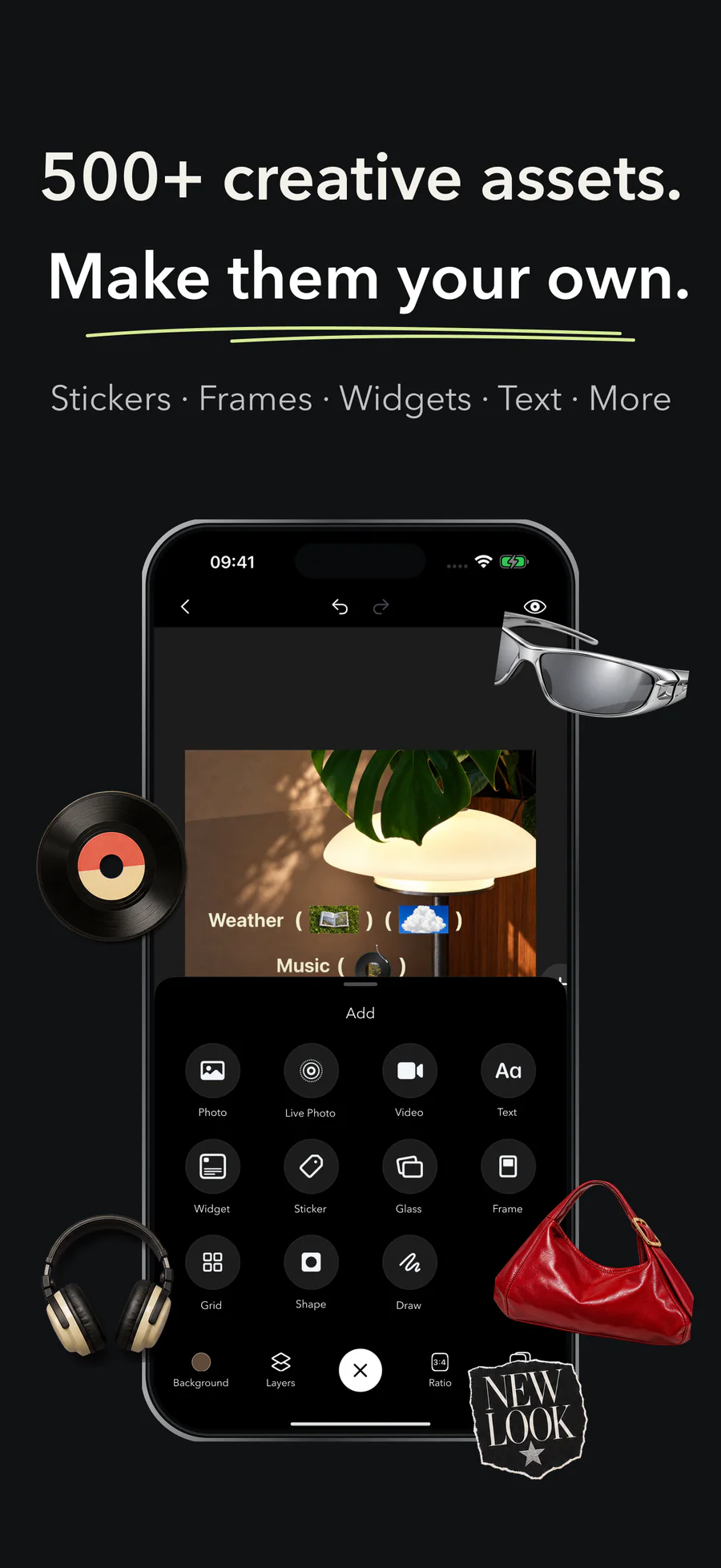
Bring in music, workouts, routes, weather, places, and more.
Layer themed stickers from a growing collection of visual packs.
Drop photos into retro cameras, paper frames, screens, and objects.
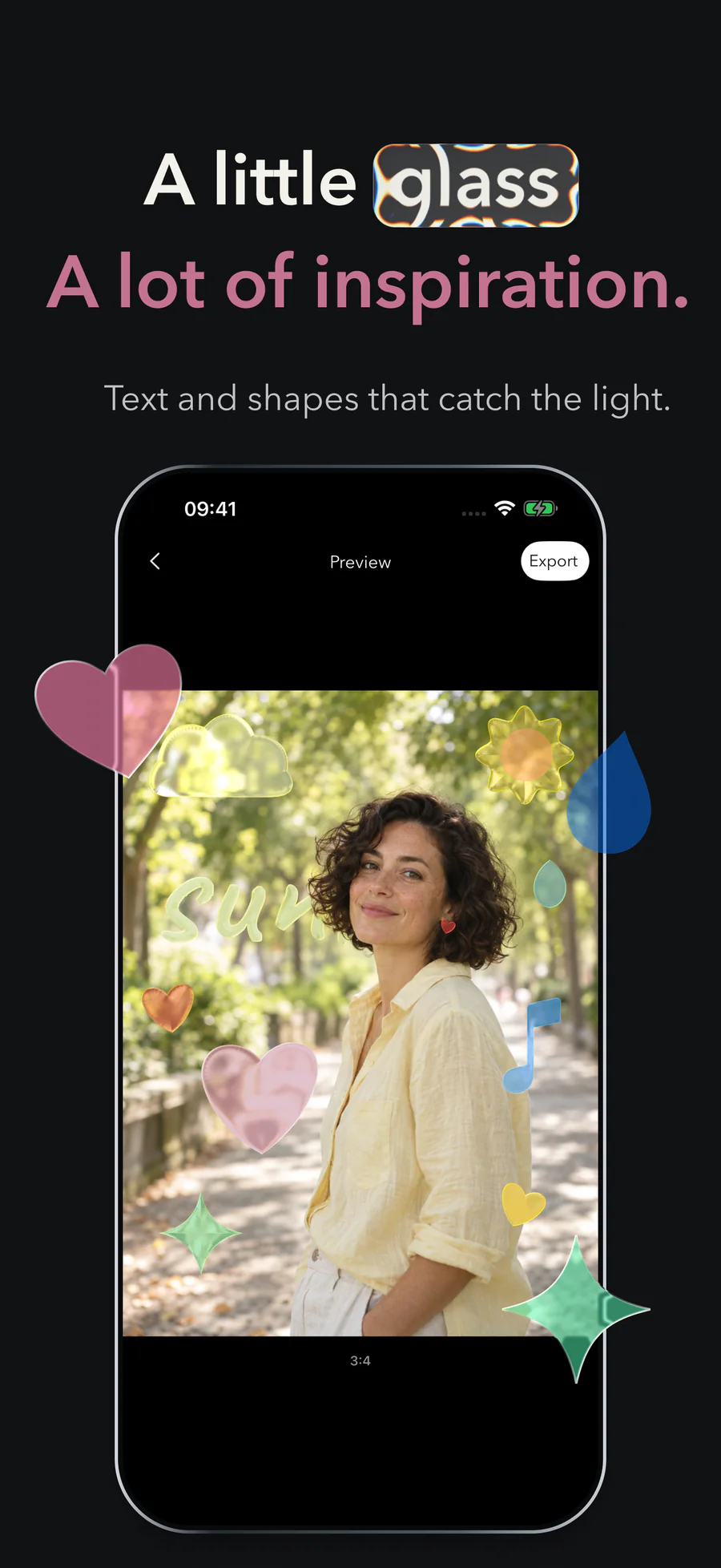
Create glass photos, drawn shapes, text, and symbols that refract the scene.
Build photo grids, then tune layout, spacing, borders, corners, and color.
Use a solid color, stretch a gradient across the story, or tile a texture.
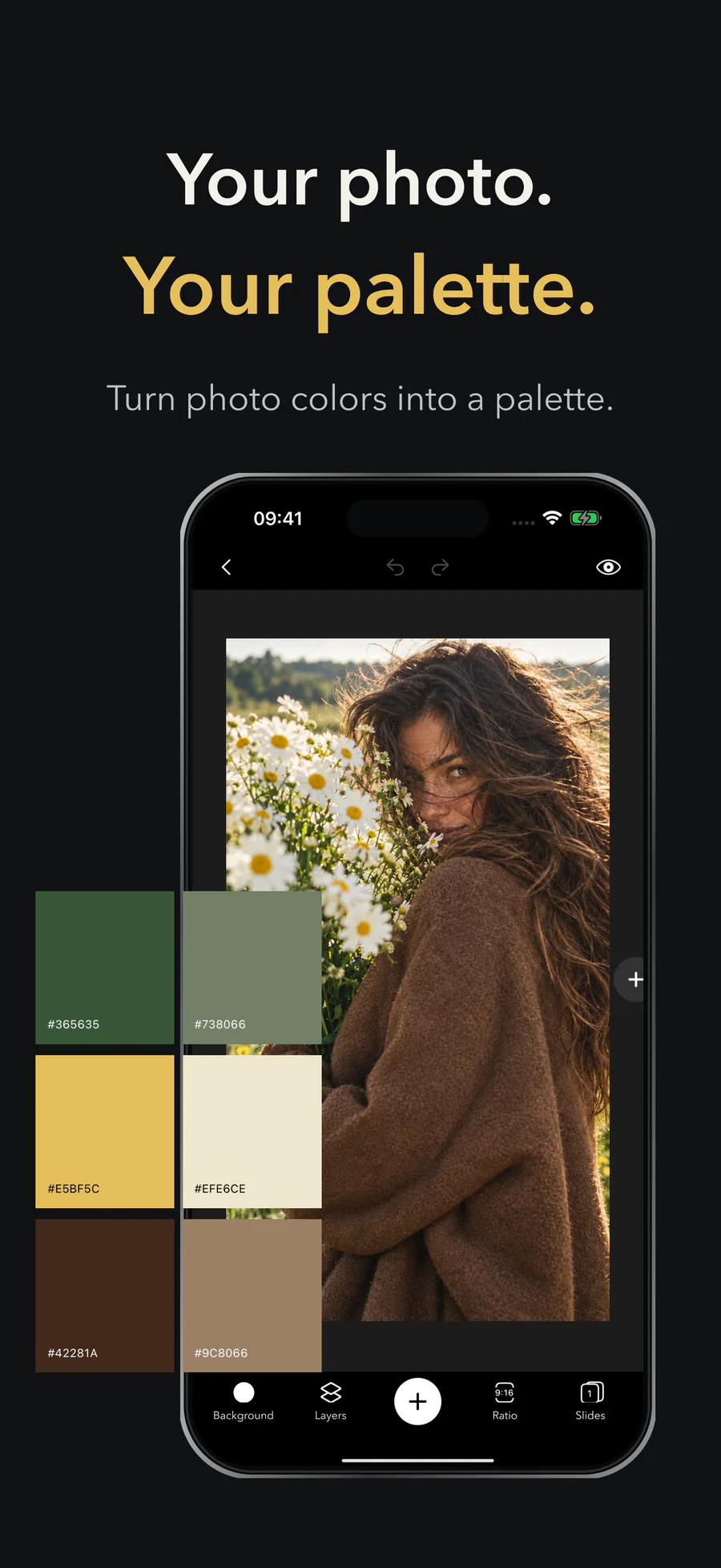
Pull colors from your photos into swatch, gradient, mosaic, and pattern stickers.
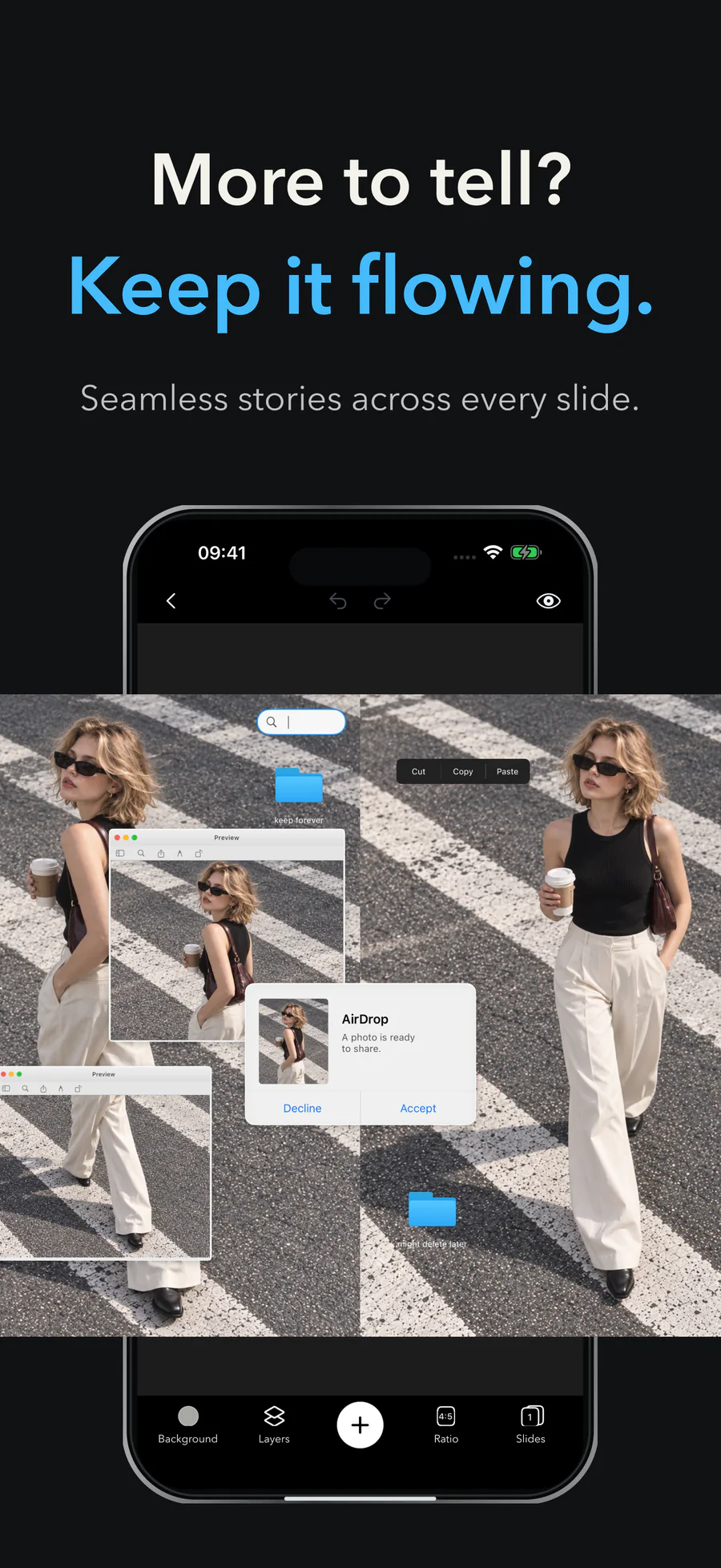
Reorder, lock, hide, and let elements span more than one slide.
Preview a swipeable carousel or export the full story as a scrolling video.
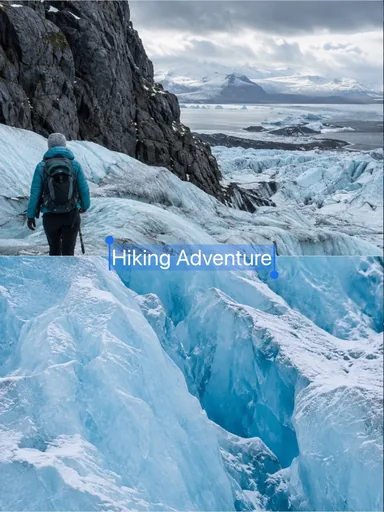 Glacier Journal
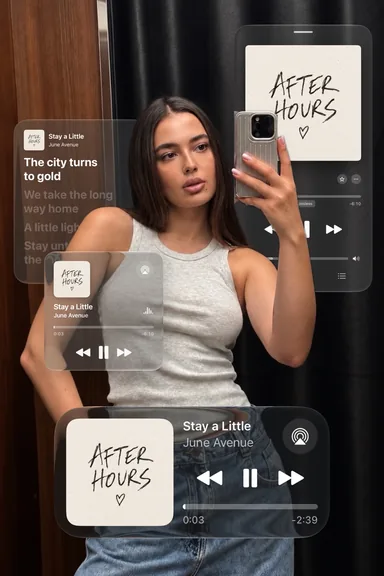 After Hours Mix
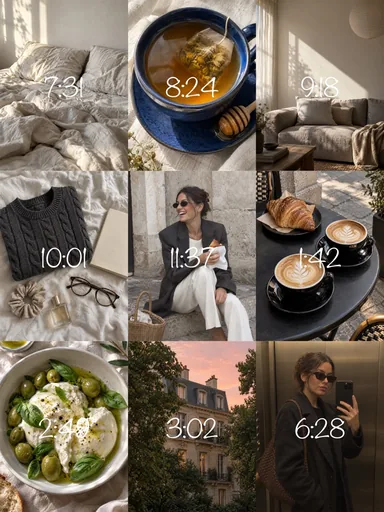 Nine Little Hours
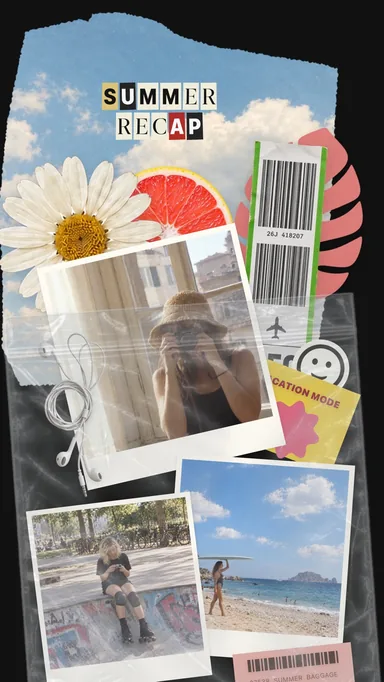 Summer Keepsakes