Post a photo dump
Pick a theme
A week, a trip, a color or a mood. One idea is what separates a photo dump from a random selection.
Choose 6 to 10 photos
Favor variety in scale: a wide scene, a person, a close-up, a detail. Drop near-duplicates.
Order them
Put the most striking photo first, since it is the cover in the feed. Alternate wide and close shots, and end with something light.
Make them one shape
Instagram crops every slide to the first one's shape, so prepare all photos at 4:5 (1080 × 1350 px), or use a template that already has that shape.
Post as a carousel
In Instagram, tap +, choose Post, turn on multiple selection and tap the photos in your order. Add a short caption and share.
Make it look designed, not dumped
Layouts help a lot: a grid of small photos on one slide, time stamps, a calendar cover or photos that continue across the slide edges. Glassy's photo dump templates do this for you; tap Use template and your photos fill the slots in the order you choose them.
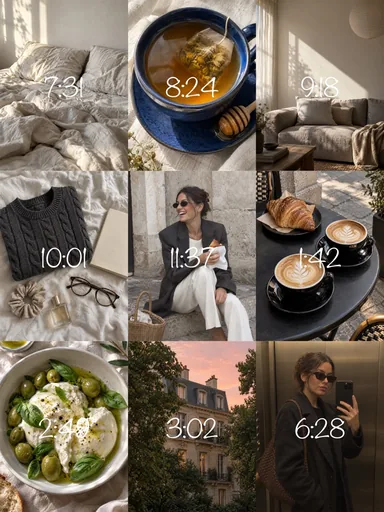 Nine Little Hours
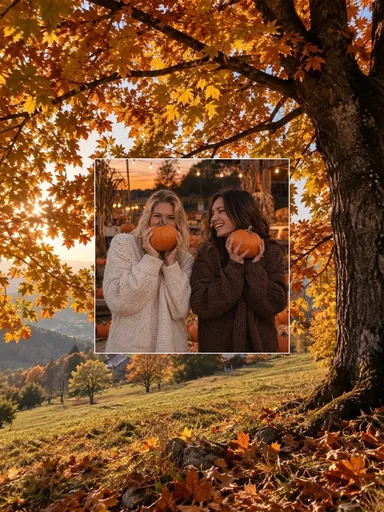 Autumn Outtakes
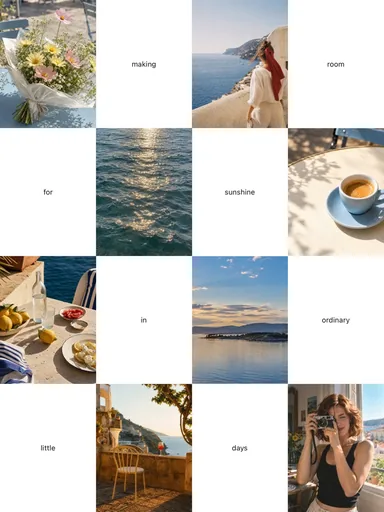 Room for Sunshine
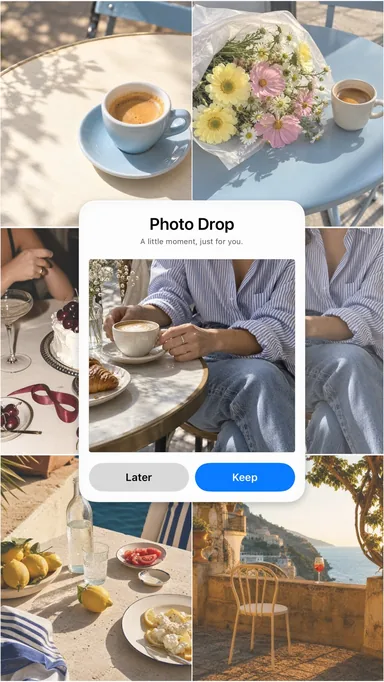 Photo Drop