Post a carousel in the Instagram app
Start a new post
Tap + and choose Post.
Turn on multiple selection
Tap the select-multiple button above your camera roll. Numbers appear on the photos you pick.
Pick slides in order
Tap photos and videos in the order they should appear, up to 20. The first one is the cover people see in the feed.
Check the crop
The shape of the first item applies to all of them. Choose it before you continue, then check each slide.
Edit, caption and share
Apply filters to all slides or one at a time, add music if you like, write your caption and share.
Prepare the slides before you post
Instagram's editor is built for quick posts. For a carousel that feels designed, with text, a consistent layout or a photo that continues from one slide to the next, build the slides first in a carousel app, export them in order, and only use Instagram to select and share them.
| Shape | Pixels | When to use it |
|---|---|---|
| Portrait 4:5 | 1080 × 1350 | Most feed space; the safest default |
| Portrait 3:4 | 1080 × 1440 | Taller portrait; newer option |
| Square 1:1 | 1080 × 1080 | Classic look, grids and product photos |
| Landscape 1.91:1 | 1080 × 566 | Wide scenes; takes the least screen space |
Three carousel styles that get swiped
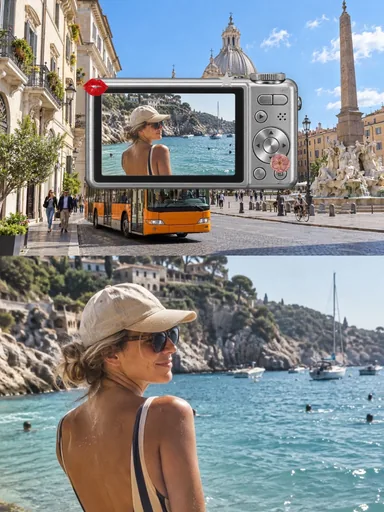
- Seamless panorama: one wide photo split across slides, so each swipe reveals the next part. Try the free splitter for a straight cut, or Glassy to place details across the seams.
- Photo dump: a curated mix of moments from a week or a trip, with one strong cover and a rhythm of wide shots and details.
- Story in slides: a beginning, middle and end, for example a recipe, a run or a day out, with a short line of text on each slide.
 Glacier Journal
 Autumn Outtakes
 After Eight Supper
 Pocket Camera Days