What a photo dump app should do
| Task | Instagram's post editor | Glassy |
|---|---|---|
| Put several photos on one slide | No; one photo per slide | Yes, with grids, frames and free layout |
| Let a photo continue onto the next slide | No | Yes, any layer can cross a slide edge |
| Start from a designed layout | No | Templates grouped by theme |
| Add time stamps, captions or a calendar | Text only in the caption | Editable text, calendar and data cards on the slides |
| Keep the order and shape consistent | Manual | Exports every slide at one size, in order |
Make a photo dump in Glassy
Pick a photo dump template
Open Templates and choose one from Everyday Collage, Editorial Layouts or Calendars & Memories, such as Nine Little Hours, Autumn Outtakes or Small Bright Things.
Select your photos in order
Tap Use template and pick your photos. They are numbered as you select them and fill the template's photo slots in that order.
Adjust the details
Double-tap any photo to replace it, drag it to reframe, edit the words, and add stickers, frames or Liquid Glass.
Export and post
Preview the slides, export them to Photos, then select them in Instagram in the same order.
Photo dump templates in Glassy
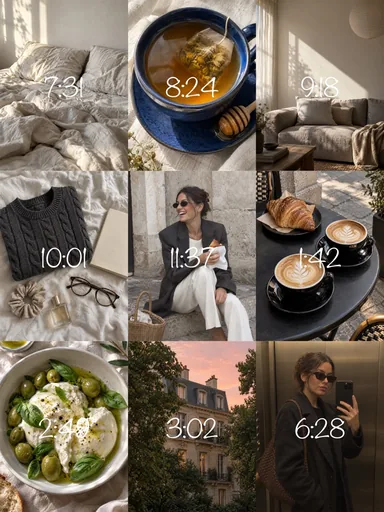 Nine Little Hours
 Autumn Outtakes
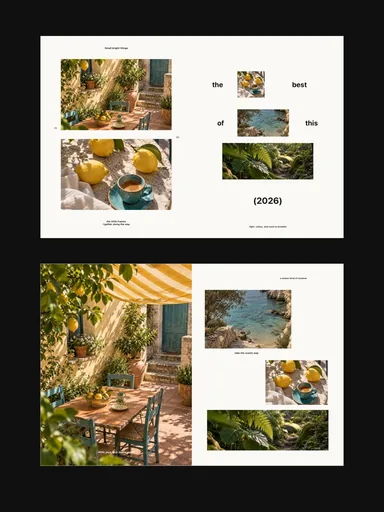 Small Bright Things
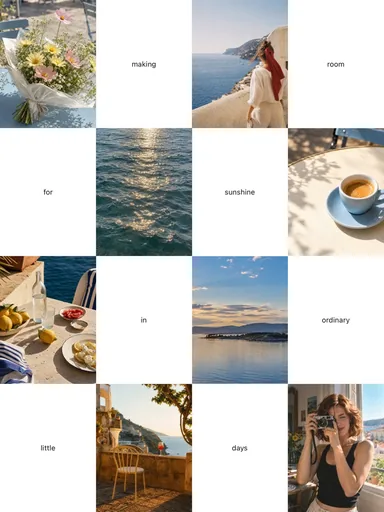 Room for Sunshine
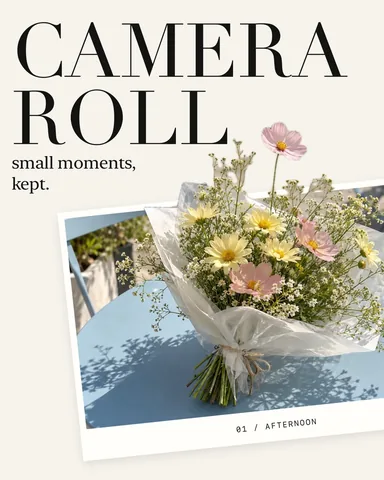 Camera Roll
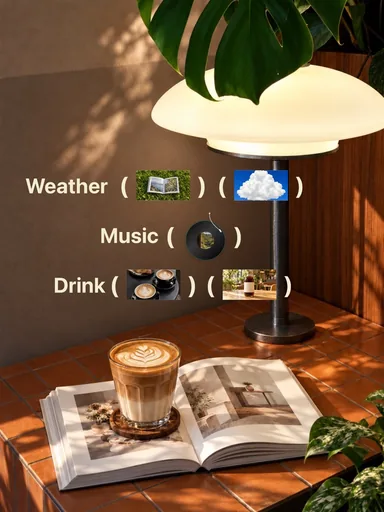 Cafe Index
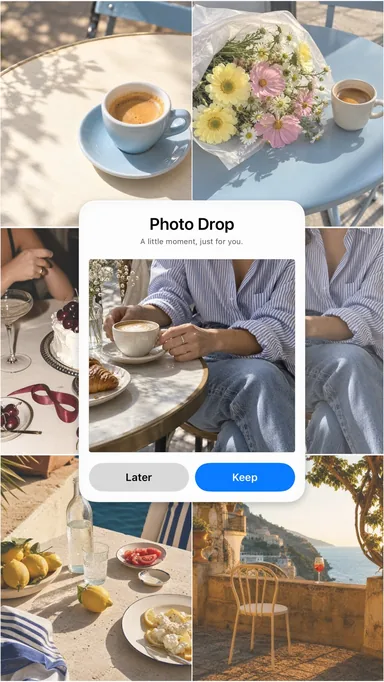 Photo Drop
 Slow Summer Grid
Photo dump styles you can make
- A day in hours: a grid of the day's photos, each labeled with an editable time.
- A seamless strip: a long carousel where photos and paper details continue across every swipe.
- A monthly recap: a calendar cover followed by the month's best moments.
- A scrapbook dump: instant prints, stickers and short labels on a paper background.
- A music dump: each photo paired with the song that was playing.