12 photo dump ideas
- One color, one week: collect everything blue, red or green you photographed and let the color carry the carousel.
- A day by the clock: one photo per hour or per meal, each stamped with its time.
- The outtakes: the blurry, laughing, in-between shots from a trip that never made the main post.
- Coffee index: every cup, cafe and table from a month, shot from the same angle.
- Window seats: views from trains, planes, cars and cafes.
- Hands only: holding drinks, tickets, flowers and books, without a face in sight.
- The soundtrack: photos paired with the songs that were playing, shown as now-playing cards.
- Small bright things: the details that made a week better, cropped tight.
- Before and after: a room, a recipe or a run, start to finish.
- Then and now: the same place or pose a year apart.
- Weather report: the same street in sun, rain and fog, with the forecast on each photo.
- Moodboard: textures, colors and objects that sum up a season, laid out like a scrapbook page.
Photo dump templates to start from
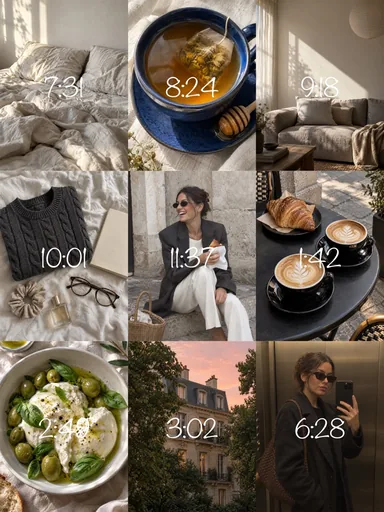 Nine Little Hours
 Autumn Outtakes
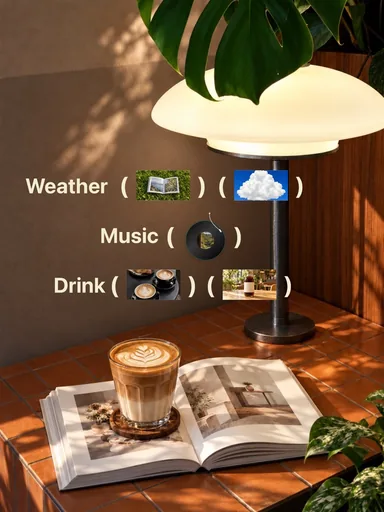 Cafe Index
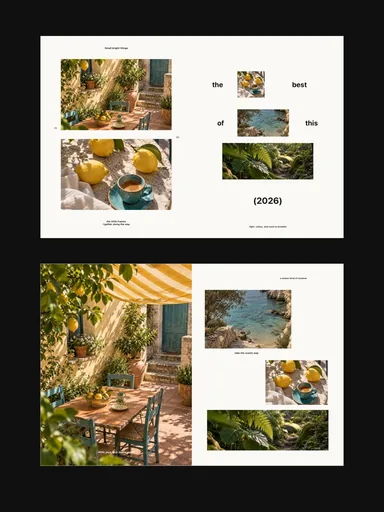 Small Bright Things
How to order a photo dump
Build the sequence
Open strong
The first slide is the cover in the feed. Use the clearest, most striking photo, not the first one you took.
Alternate scale
Follow a wide scene with a close-up, then a detail. The change in scale is what makes people keep swiping.
Repeat something
A color, a frame style or a line of text that returns every few slides makes a random set look designed.
End with a smile
Save a funny outtake or a quiet detail for last; it rewards people who swiped to the end.
If you want the photos to flow into each other, place them across the slide edges on one continuous canvas instead of posting separate pictures. That is what Glassy's multi-slide templates do: photos and stickers can sit on the seam, so the dump reads as one connected strip.