| Ratio | Size in pixels | Notes |
|---|---|---|
| 4:5 portrait | 1080 × 1350 | Recommended. Largest in the feed. |
| 3:4 portrait | 1080 × 1440 | Newer option; matches 3:4 profile grid previews. |
| 1:1 square | 1080 × 1080 | Classic grid look. |
| 1.91:1 landscape | 1080 × 566 | Smallest in the feed. |
| 9:16 vertical | 1080 × 1920 | For Stories and Reels, not feed carousels. |
Limits worth knowing
- Up to 20 photos or videos per carousel post.
- One shape for all slides: the first item sets it, and the rest are cropped to match.
- Feed photos are shown at around 1080 px wide, so exporting much larger rarely looks sharper in the app; 1080 px wide is the practical target.
- The first slide is the cover in the feed and on your profile, so make it work on its own.
Sizing a seamless panorama carousel
For a panorama that continues across slides, multiply the slide width by the number of slides. Three 4:5 slides make one canvas of 3240 × 1350 px; five make 5400 × 1350 px. Cut the canvas into equal 1080 px wide pieces and post them in order.
| Slides | Canvas size | Canvas ratio |
|---|---|---|
| 2 | 2160 × 1350 | 1.6:1 |
| 3 | 3240 × 1350 | 2.4:1 |
| 4 | 4320 × 1350 | 3.2:1 |
| 5 | 5400 × 1350 | 4:1 |
| 10 | 10800 × 1350 | 8:1 |
Glassy works the same way: its canvas is a row of connected slides at your chosen ratio, so you place photos and text across the seams and export each slide at the right size automatically.
 Still, Slowly
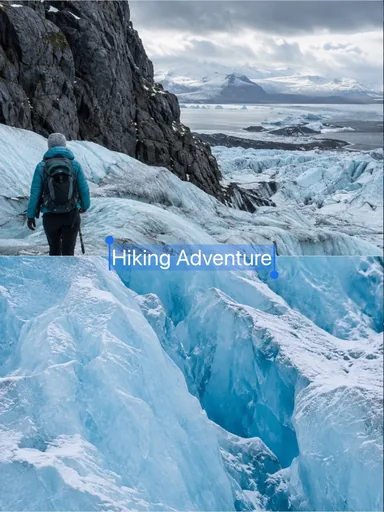 Glacier Journal
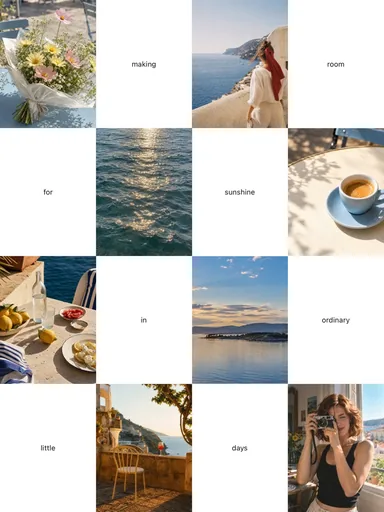 Room for Sunshine
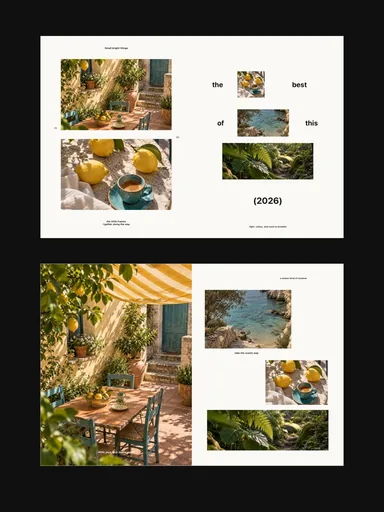 Small Bright Things