Use Layout in the Stories camera
Open the Stories camera
Swipe right from the feed or tap your profile picture with the +.
Choose Layout
Tap the Layout icon on the left edge of the camera, then pick a grid.
Fill the cells
Take a photo for each cell or tap the gallery to add photos from your camera roll, then tap the check mark and share.
Layer photos freely
Start with a background
Start a Story with one photo or a plain color.
Add more photos
Copy a photo in the Photos app and paste it into the Story, or use Instagram's photo sticker from the sticker tray if your version offers it.
Arrange and share
Pinch to resize, rotate and drag each photo, then add text or stickers and share.
Design the Story as one image
The Stories editor is quick but loose: photos snap only roughly, and it is hard to repeat the same style next time. Designing the collage as one 9:16 image gives you exact spacing, cutouts, frames and type, and a look you can reuse.
Make a Story collage in Glassy
Pick a 9:16 template
Choose a Story-size template, such as Summer Keepsakes, September Stories or Window Calendar.
Fill it with your photos
Tap Use template and select your photos; they fill the slots in the order you choose them.
Save and share
Export the image to Photos and add it to your Story in Instagram.
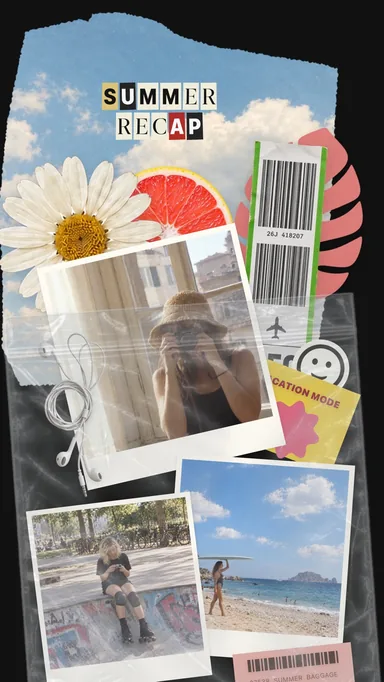 Summer Keepsakes
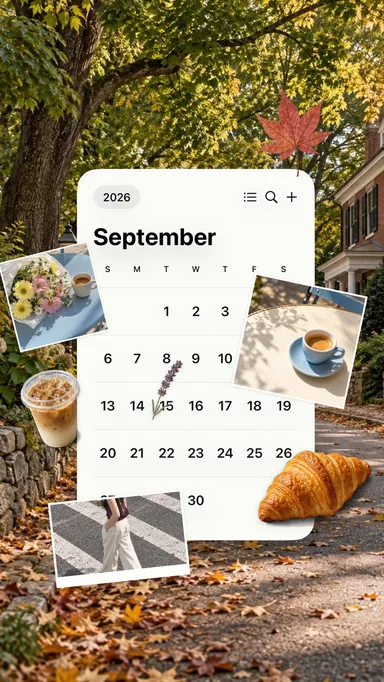 September Stories
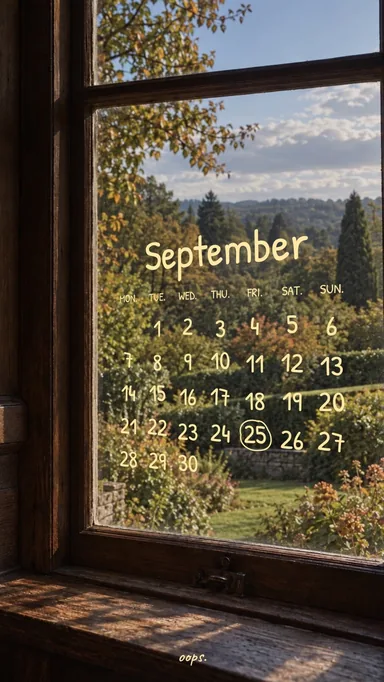 Window Calendar
 Slow Summer Grid