Written by the makers of Glassy, based on each app's own App Store listing and website.
Three ways to make a panorama carousel
- Just the cut: drop the panorama into the free carousel splitter and post the slides in order. No app needed.
- Panorama with templates: SwipeMix's Panorama Mode spans one image across frames, with templates for feed and Stories; it also lists iPad support.
- Designed across the seams: in Glassy every photo, word and sticker is a layer that can cross slide edges, so a panorama can carry text, cutouts and Liquid Glass.
| App | Seamless carousels | Templates | Video | Platforms | Price |
|---|---|---|---|---|---|
| SwipeMix | Yes, Panorama Mode | Yes | Not stated | iPhone, iPad | Free with in-app purchases |
| Glassy | Yes, layers cross slide edges | Yes | Scrolling and carousel video | iPhone | Free, optional subscription |
| SCRL | Yes, panoramic layouts | Yes | Not stated | iPhone, Mac, Vision Pro; Android | Free with in-app purchases |
| Crsel | Yes, with swipe preview | Yes | Reels covers | iPhone, Vision Pro | Free with in-app purchases |
Competitor details come from each app's US App Store page and official website, checked on October 20, 2026. "Not stated" means the listing did not mention it. Apps change often; check the current listing before you decide.
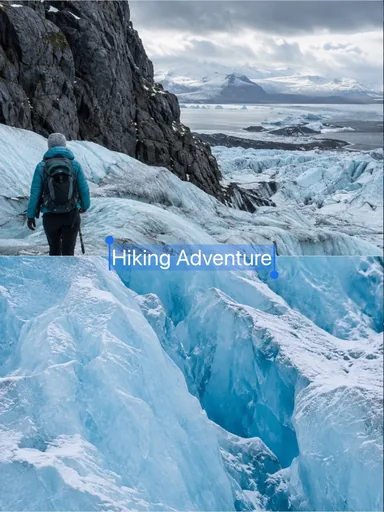 Glacier Journal
 Still, Slowly
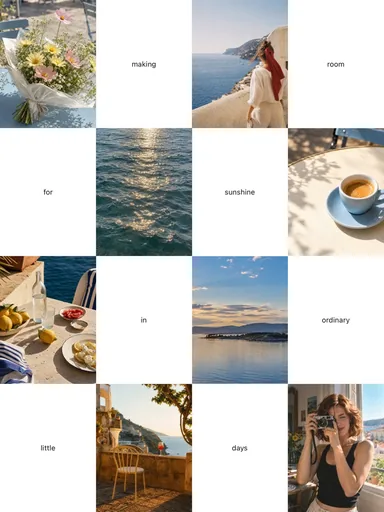 Room for Sunshine