This comparison is written by the makers of Glassy. We have tried to describe every app fairly, based on each app's own App Store listing and website.
| App | Seamless carousels | Templates | Video | Platforms | Price |
|---|---|---|---|---|---|
| Glassy | Yes, layers cross slide edges | Yes | Scrolling and carousel video | iPhone | Free, optional subscription |
| SCRL | Yes, panoramic layouts | Yes | Not stated | iPhone, Mac, Vision Pro; Android | Free with in-app purchases |
| Unfold | Yes, seamless carousel templates | Yes | Yes, Reels and Stories | iPhone, Mac, Vision Pro; Android | Free with in-app purchases |
| 17V28 | Yes | Yes, including community templates | Video in templates | iPhone, Mac | Free with in-app purchases |
| Crsel | Yes, with swipe preview | Yes | Reels covers | iPhone, Vision Pro | Free with in-app purchases |
| SwipeMix | Yes, Panorama Mode | Yes | Not stated | iPhone, iPad | Free with in-app purchases |
Competitor details come from each app's US App Store page and official website, checked on October 20, 2026. "Not stated" means the listing did not mention it. Apps change often; check the current listing before you decide.
Which app is best for you?
- You want curated templates (SCRL) or hundreds of templates (Unfold), and also use Android: both are available on iOS and Android.
- You mainly make Reels and Stories with music: Unfold, which focuses on Reels and Stories and includes royalty-free music.
- You love scrapbook stickers, film frames and community templates: 17V28.
- You want a straightforward panorama split with templates: SwipeMix's Panorama Mode, or the free splitter on this site if you only need the cut.
- You want editorial layouts and a swipe preview: Crsel.
- You want to design across the seams, with photos, text and stickers as layers on one canvas, plus Liquid Glass, lyrics, workout stats and a scrolling video export: Glassy.
What makes Glassy different
- One continuous canvas: the whole carousel is one design, so any layer can sit across a slide edge, not only a background photo.
- Real data cards: songs and lyrics, workouts and routes from Apple Health, weather and places, styled as part of the picture.
- Liquid Glass: translucent cards, text and shapes that refract the photo behind them.
- Scrolling video: export a multi-slide composition as one video that travels across the canvas.
- No account: Glassy works without sign-up, and projects stay on your iPhone.
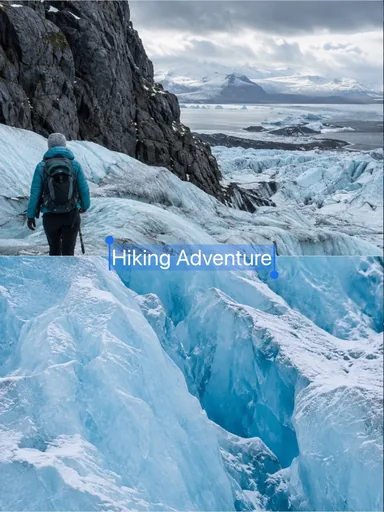 Glacier Journal
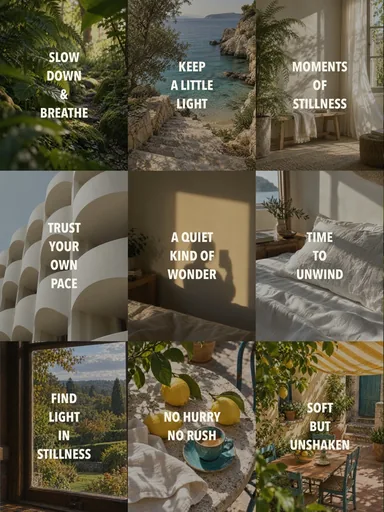 Still, Slowly
 Autumn Outtakes
 Pocket Camera Days