Frame one photo for free
Open the tool in Safari
Go to the free instant photo frame on getglassy.app. It runs in the browser, so there is nothing to install and the photo is not uploaded.
Choose a photo and format
Square looks like a classic instant print; Mini is tall and narrow; Wide suits landscapes and groups.
Add a caption
A date, a place or a nickname in the bottom border makes it feel like a real print.
Save to Photos
Tap Save to Photos or share to keep the 1200 px wide JPEG on your iPhone.
Make a scrapbook of instant prints
One framed photo is a nice post. A few prints overlapping on a paper background, with stickers and a title, is a scrapbook, and spread across carousel slides it becomes a photo dump people swipe through.
Build an instant-print collage in Glassy
Start from a template
Templates such as Summer Keepsakes and Camera Roll already use instant-print frames. Tap Use template and choose your photos.
Arrange the prints
Move, rotate and overlap the framed photos. Each one is a layer, so you can bring any print to the front.
Finish and export
Add stickers or a handwritten-style title, then export one image or a carousel of connected slides.
Templates with instant-print frames
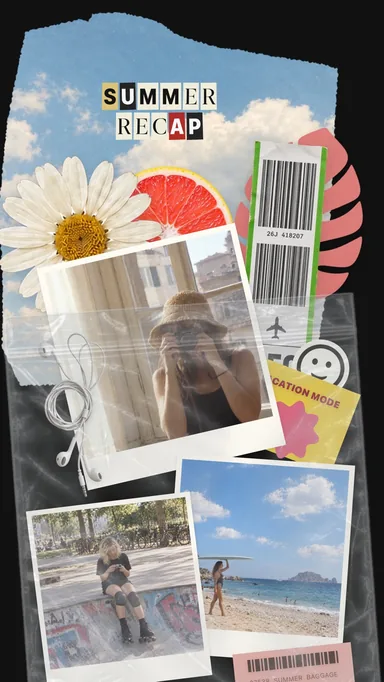 Summer Keepsakes
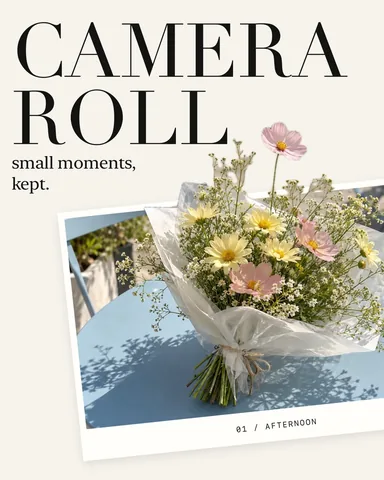 Camera Roll
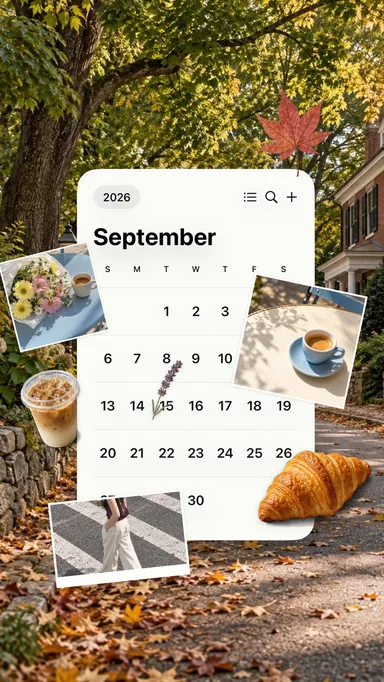 September Stories
Tips for a convincing instant look
- Choose photos with soft light and simple backgrounds; instant prints rarely look crisp edge to edge.
- Square crops suit portraits and details; use Wide for groups and landscapes.
- Cream frames read as vintage, black frames as modern.
- Keep captions short. Two or three words fit the bottom border best.