9:16 Story template
Coffee Break
An iced coffee photo with a glass now-playing card for your coffee-break song.
Use this template in Glassy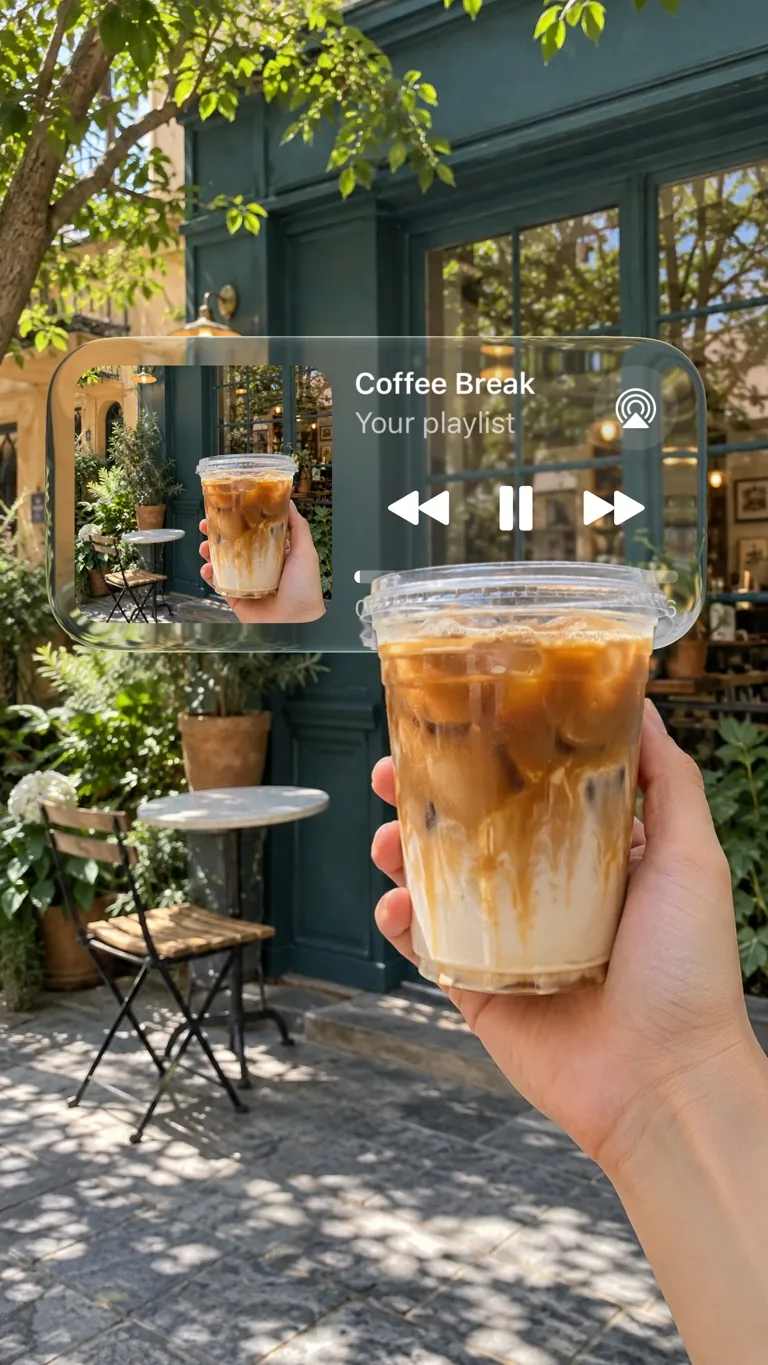
The template's own preview, as rendered by Glassy.
Template details.
- Slides
- 1
- Shape
- 9:16 Story
- Style
- Liquid Glass, Interface, Editorial
- Collections
- Music Stories, Liquid Glass
How to use it.
Open the template
In Glassy, go to Templates, open Music Stories and choose Coffee Break.
Fill it with your photos
Tap Use template, then pick your photos. Glassy fills the photo slots in order, and you can double-tap any photo to replace it.
Make it yours and export
Edit the words, move or restyle any layer, then preview and export the image.
Similar templates.
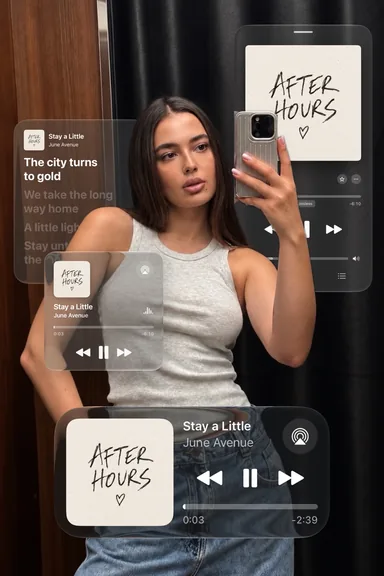 After Hours Mix
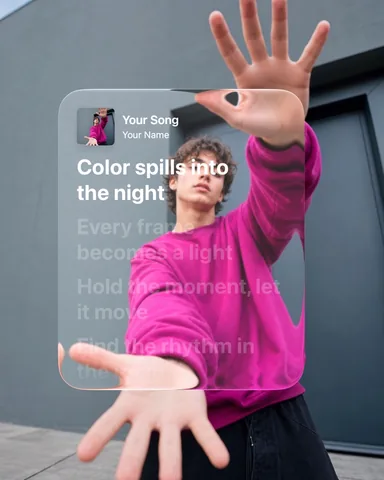 Magenta Lyrics
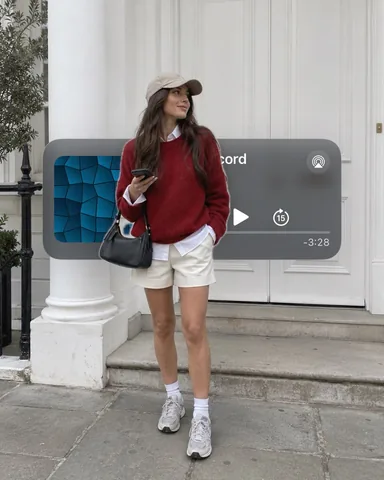 On the Air
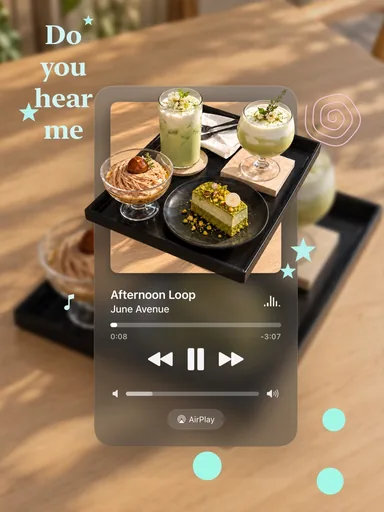 Matcha Replay
Glassy for iPhone
Ready to try it?
Every template is fully editable in Glassy: swap in your photos in one go, change the words, move any layer across the slides, then export the carousel in order or as one scrolling video.
Get Glassy on the App Store